|
This article applies to the following Google Nest thermostat models in the US and Canada: |
|
|
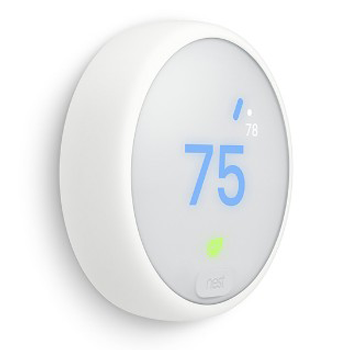
Nest Thermostat E |
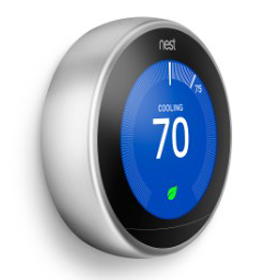
Nest Learning Thermostat |
If you’re unable to add your Nest thermostat to the Nest app during setup, there may have been a pairing failure or a configuration error. Select the message you see on the thermostat or in the app below to troubleshoot.
You see “Your thermostat couldn’t be added to your account” on the thermostat
This means your thermostat was not successfully added to your account.
To fix this issue, complete these directions on your thermostat:
-
Select Learn More. You’ll see the m15 error.
-
Choose Reset Device. The thermostat will restart and restart setup in the app.
Note: this will not reset all of your thermostat settings, just the account settings you chose.
You see “Added to your account” on the thermostat but “! INCOMPLETE” on the Nest app home screen
This means you have successfully added your thermostat to your account, but quit the Nest app before you enter settings like address or Eco Temperatures.
To fix this issue, you can either resume setup in the app or reset the thermostat. You can also remove the thermostat from your account in the app and start setup over, in which case you’ll need to pair your thermostat again.
Resume setup in the Nest app
-
Tap your thermostat on the home screen.
-
Select Finish Setup.
Reset the thermostat
-
Select More Info on your thermostat screen.
-
Choose Reset Device. The thermostat will restart and resume setup in the app.
Note: This will not reset all of your thermostat settings, just the account settings you chose.
Remove the thermostat from the app and start setup over
Note: Before you remove your thermostat from the app, try the troubleshooting steps above and see if it fixes the issue.
-
In the Nest app, go to Settings.
-
Choose the thermostat you want to remove.
- Select Remove Nest thermostat. Then, retry adding your thermostat to the app.