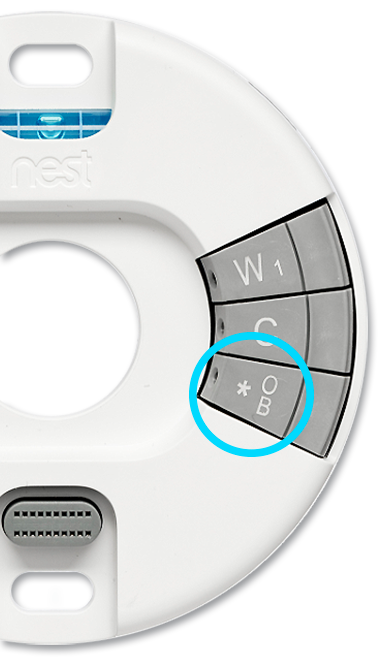
A Nest thermostat’s star 
- During setup, the app will give you a custom wiring diagram to install your Nest thermostat. You should only insert a wire into the thermostat’s star connector if the wiring diagram tells you to.
- If the app tells you to put a wire into the star connector during setup, your thermostat will ask you to tell it which wire it is, and what it controls.
- No matter which Nest thermostat you have, you can only put one wire into the star
connector, so only one function is supported at a time.
Important: If you’ve connected a humidifier, dehumidifier, or multi-speed fan wire to the star connector, we strongly recommend that you get help from a pro. Make an appointment with our installation partner OnTech, to have a trained pro come to your home, install and set up your Nest products.
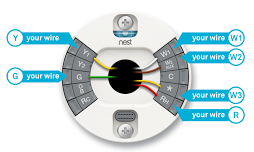
Differences between Nest thermostat star connectors
Different wires and features are supported by Nest Learning Thermostats, the Nest Thermostat E, and the Nest Thermostat.
|
2nd and 3rd generation Nest Learning Thermostat Nest Learning Thermostats have a standalone star connector on the base. |
|
|
System wire |
Function |
|
W3 |
Stage 3 heating |
|
E |
Emergency heat |
|
HUM |
Whole-home humidification |
|
DEHUM |
Whole-home dehumidification |
|
G3 |
3rd speed for multi-speed fans |

|
Nest Thermostat E and Nest Thermostat The Nest Thermostat E and the Nest Thermostat’s star |
Nest Thermostat E Nest Thermostat |
|
System wire |
Function |
|
Y2 |
Stage 2 cooling |
|
W2 |
Stage 2 heating |
|
O/B |
Heat pump heat/cool changeover valve |